Sensei LMS has native functionality that enables you to export courses, lessons and questions. This means you can export course data from a staging site, for example, and then import it into your live site.
- To export content, go to Sensei LMS > Export:

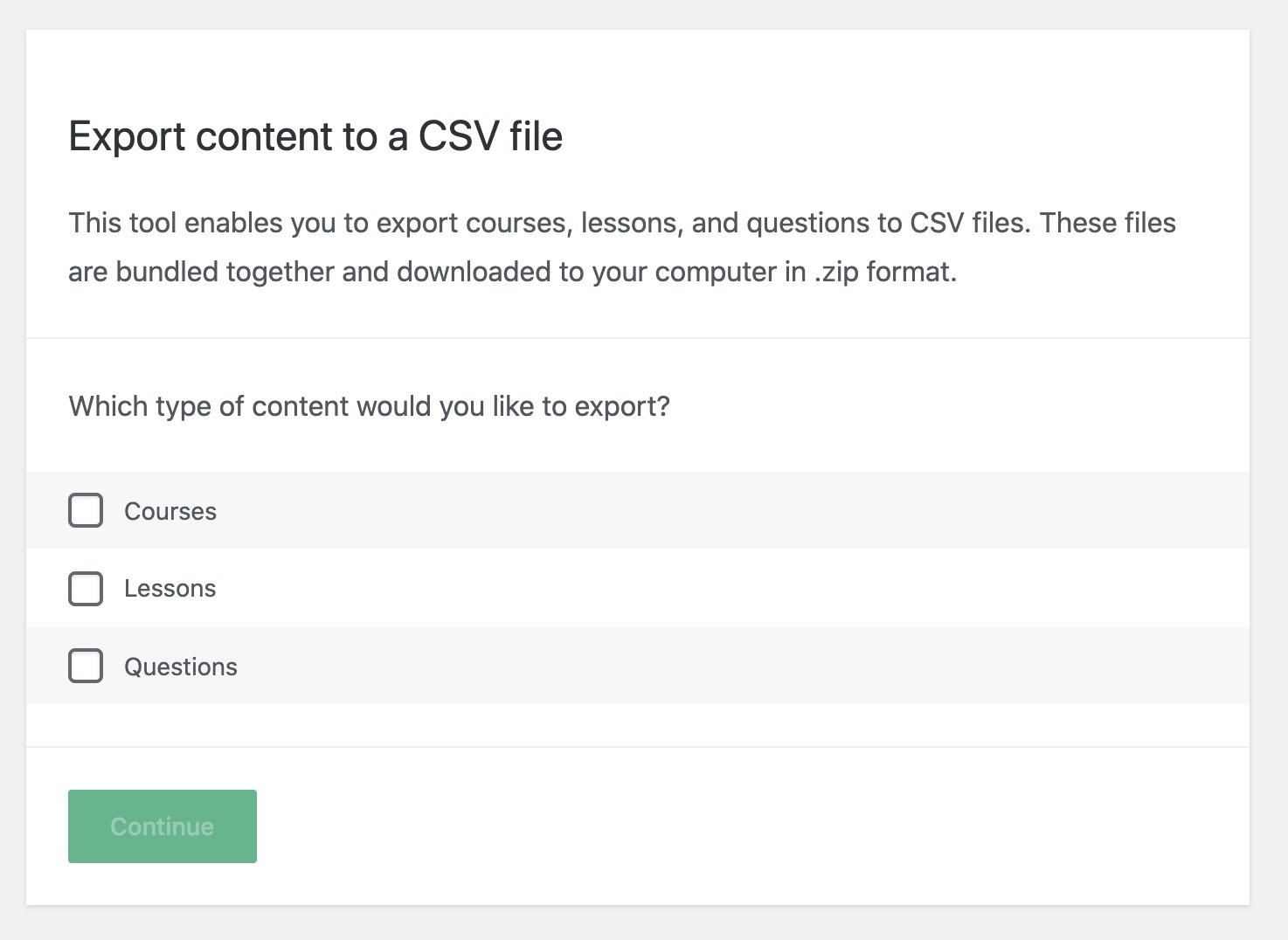
- Select one or more types of content to export, and then click the Continue button:

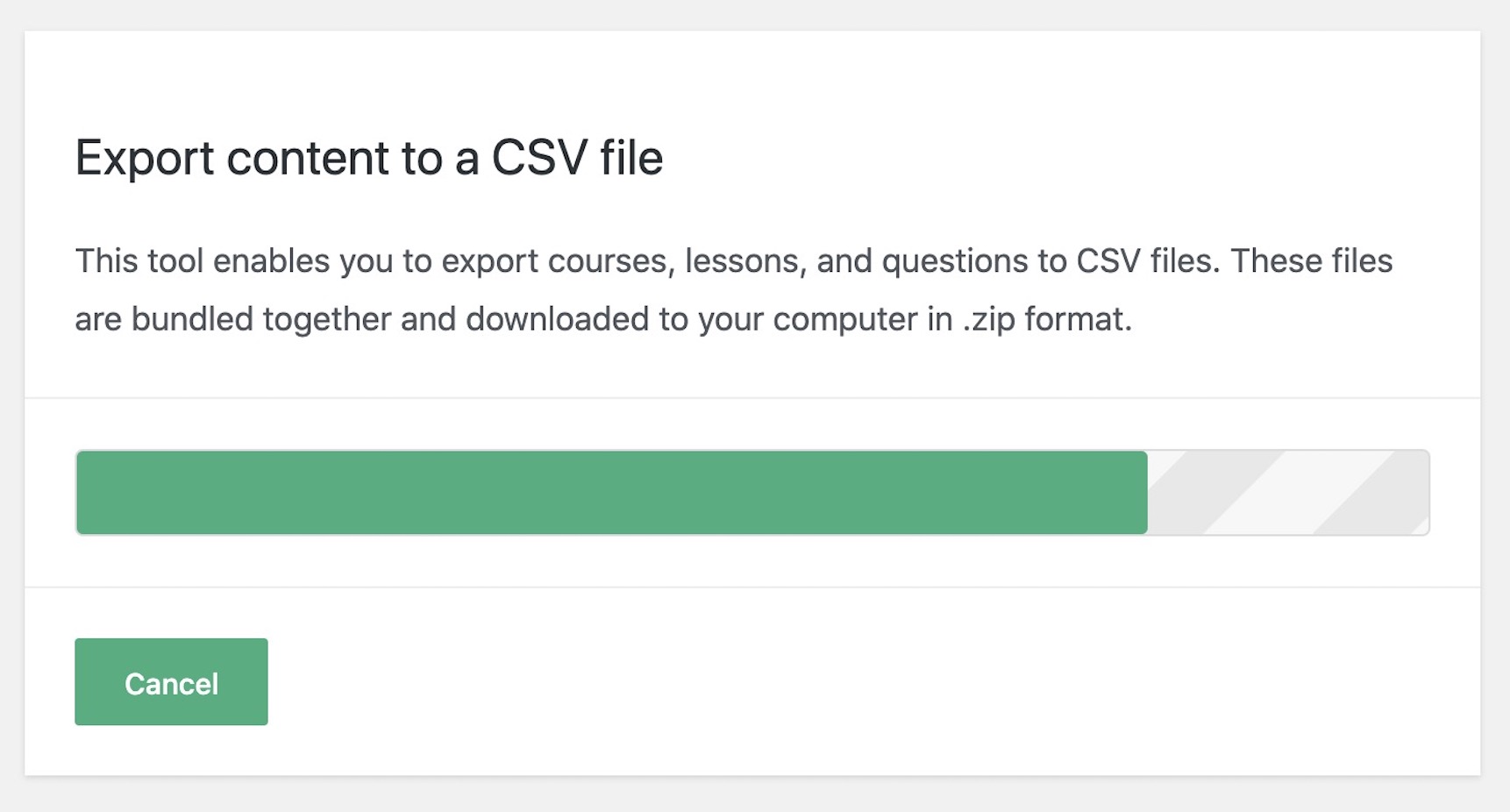
- Wait until the exporter is finished. Do not refresh or otherwise interfere with the browser while the export is in progress.
- Once the export process has completed, you will be taken to a confirmation page. You may also see a prompt which you will need to accept before the file will be downloaded:


You can initiate a new download directly from the confirmation page by clicking the file name, or click Export More Content to export additional content.


Follow Atlantic Motorsport!